LLC Approved Now What? How to Invoice Your First Client (So You Actually Get Paid)
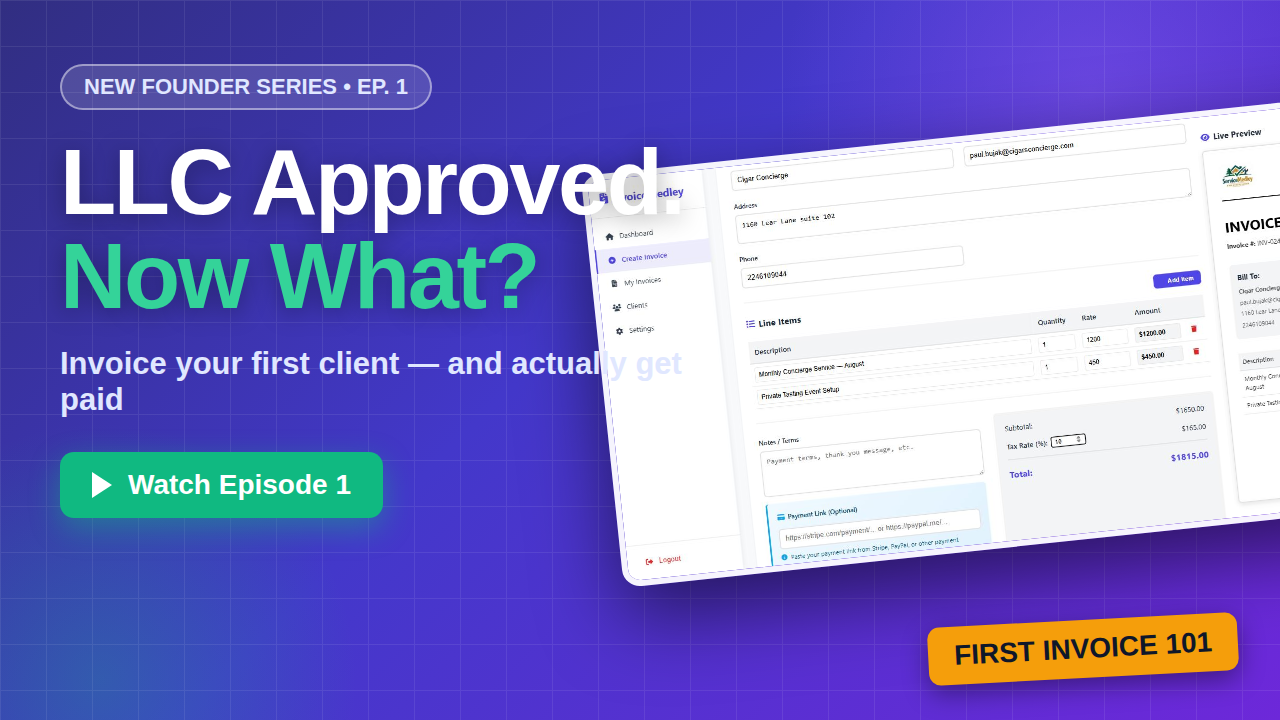
Your LLC just got approved. Congratulations you're officially in business. You've got the paperwork, maybe a logo, possibly even your first client lined up. Now comes the part nobody teaches you in the formation process: getting paid.
You're in good company, by the way. The U.S. is in the middle of a historic business-formation boom, with roughly 490,000 new business applications filed every month according to Census Bureau data. Every one of those new businesses faces the same first milestone: sending invoice number one. Here's how to do it right.
What every invoice actually needs
Before any software, know what makes an invoice legitimate. Every real invoice includes a unique invoice number (for your records and theirs), the issue date and a clear due date, an itemized list of the work you performed, tax if it applies to your services and state, and most importantly an easy way to pay you. That last one is where most new founders lose days or weeks of cash flow.
Set up your branding once
An invoice from "Bob" hits differently than an invoice from Bob Design Co. with a logo, a brand color, and a business address. Branding tells clients they're dealing with a real business — and in practice it's often the difference between getting paid in days versus weeks. In InvoiceMedley, you set your business name, logo, and brand color once, and every invoice you ever send carries them automatically.
Save your client, then never type them again
Enter your client's details one time company name, contact, email, address. From then on, every new invoice auto-fills with a single click from the dropdown. When you're invoicing the same three clients every month, this is the difference between a two-minute task and a twenty-minute one.
Line items: be specific
"Services rendered — $2,000" invites questions and delays. "Monthly Concierge Service August, $1,200" gets approved. Describe the work clearly, add your rate and quantity, set your tax rate, and let the totals calculate themselves. InvoiceMedley shows a live preview of the finished invoice as you type, so you always know exactly what your client will see.
The golden rule: make paying you effortless
Here's the thing about getting paid: friction kills. Every extra step between "I should pay this" and "paid" costs you days. Connect Stripe and every invoice you send includes a Pay Now button your client pays by card in seconds, and the invoice marks itself paid automatically. No chasing, no "did you get my check?"
Send it professionally
When your invoice is ready, you have options: save it as a draft, download a branded PDF, or email it directly to your client with the PDF attached and the payment button included. One click, done.
Three pro tips for your first invoice
First, use Net 14 payment terms instead of the traditional Net 30 you're a new business, not a bank, and 14 days is entirely standard for services. Second, ask for a deposit on any big project; 25–50% up front is normal and filters out clients who were never going to pay well. Third, follow up the day an invoice goes past due politely, but immediately. The longer an invoice ages, the harder it gets to collect.
You started the business. Now get paid like one.
Your first invoice is a milestone treat it that way. InvoiceMedley gives you branded invoices, automatic calculations, client management, and Stripe payments in one place. Start a 14-day free trial; cancel anytime before it ends.
Start your free trial → https://invoicemedley.com/
YouTube: https://youtu.be/ecfmL_lHMVA